How Many Words Should a Blog Post Be?
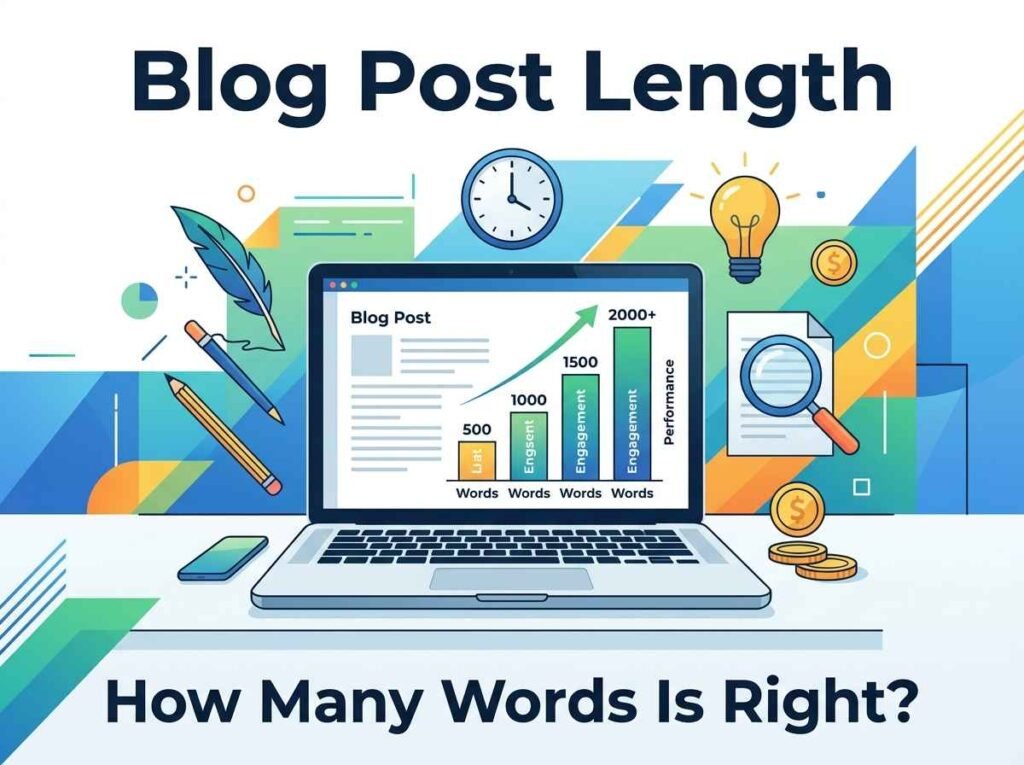
One of the most common questions in content writing is also one of the hardest to answer cleanly: how long should a blog post be? The honest answer is that the ideal blog post length depends on what the post is trying to do. There is no magic number, but there are clear ranges that work for different goals, and knowing them helps you write posts that satisfy both readers and search engines.
This guide breaks down the right length for different post types and how to keep an eye on your word count as you write.
Why Blog Post Length Matters
Length is not a ranking factor on its own — Google does not reward you for hitting a word count. What length really signals is depth. A longer post usually covers a topic more thoroughly, answers more related questions, and gives readers a complete answer, which is what search engines actually reward.
The flip side is that padding a post with filler to reach a number hurts you. Readers leave when content drags, and that sends a negative signal. The goal is to be as long as the topic needs and no longer.
Ideal Lengths by Post Type
Different goals call for different lengths. Here are reliable ranges to aim for:
- Quick news or update posts: 300 to 600 words, enough to deliver the key facts.
- Standard how-to and informational posts: 800 to 1,200 words, the workhorse range for most blogs.
- In-depth guides and pillar pages: 1,500 to 3,000 words, covering a topic comprehensively.
- Listicles and roundups: 1,000 to 2,000 words, depending on how many items you cover.
These are starting points, not rules. A simple question answered well in 700 words beats the same answer stretched to 1,500.
Let the Topic Decide
The best way to choose a length is to look at what the topic demands. Search the keyword you are targeting and see what the top results look like. If they are all detailed 2,000-word guides, a thin 400-word post is unlikely to compete. If they are short, direct answers, you do not need to pad yours.
Match the depth your readers expect, then make yours clearer and more useful. Covering the obvious follow-up questions and adding a short FAQ naturally extends a post while genuinely helping the reader.
Track Your Length as You Write
Knowing your target is only useful if you can see how close you are. A word counter shows your word count, character count, and reading time live as you type, so you always know where you stand against your goal.
Reading time is especially handy for blog posts. A piece that takes more than ten minutes to read may be better split into two focused posts, and the counter makes that easy to judge. Checking length as you go also stops you from over-writing and having to cut large sections later.
Quality Beats Quantity Every Time
It is worth repeating because it is the heart of the matter: a great short post outperforms a bloated long one. Word count is a guide, not a target. Write until you have answered the question completely, then stop.
If you find a post running long, tighten it. Cut repetition, merge overlapping points, and remove sentences that do not add value. A focused 1,000-word post almost always reads better than a padded 1,800-word one, and readers reward that clarity by staying. A practical habit is to write everything you want to say first, then edit ruthlessly on a second pass, since cutting is far easier than padding and the final piece is almost always stronger for it.
Frequently Asked Questions
Is there an ideal blog post length for SEO?
Most informational posts perform well between 800 and 1,200 words, but the real driver is covering the topic completely rather than hitting a specific number.
Do longer posts always rank better?
No. Longer posts often rank because they are more thorough, not because of length itself. A padded post with filler can perform worse than a concise, useful one.
How do I know how long my post should be?
Check the top-ranking pages for your keyword. Match the depth they offer, then make your post clearer and more helpful.
How can I track my word count while writing?
Paste your draft into a word counter, which shows words, characters, and reading time live so you can write to your target.
Write to the Right Length
The ideal blog post length is whatever fully answers your reader’s question. To keep your draft on target, open the word counter and watch your word count and reading time as you write. For more tools that smooth out writing and editing, see our guide to the free writing tools for students and creators.