How to Create a QR Code for Instagram
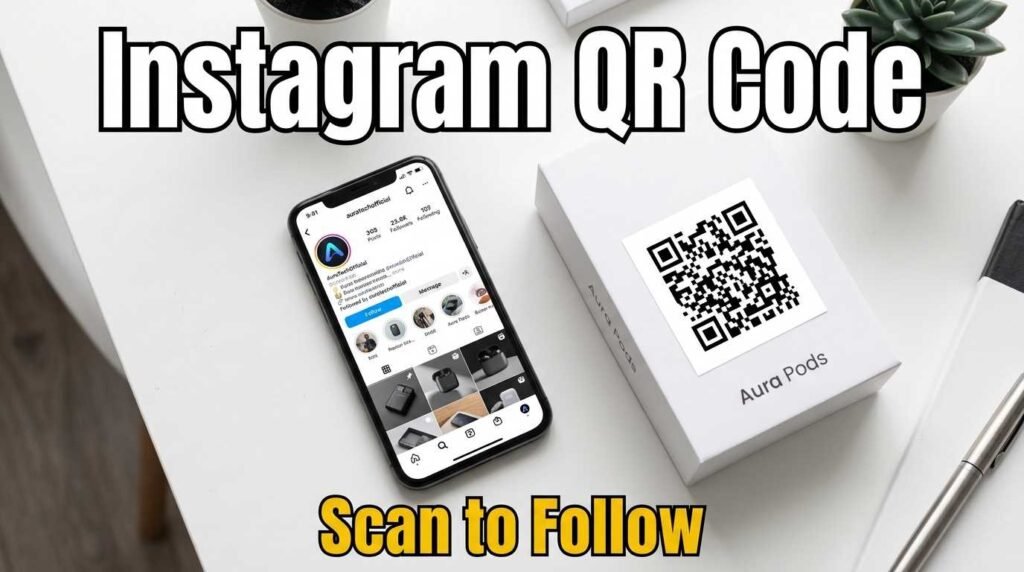
How to Create a QR Code for Instagram
An Instagram QR code bridges the gap between your offline presence and your Instagram profile. Whether you run a restaurant, sell products at a market, speak at events, or hand out business cards, a QR code that links directly to your Instagram profile turns every physical touchpoint into a follower opportunity.
Instagram’s Built-In QR Code vs a Standard QR Code
Instagram has its own built-in QR code feature called a Nametag, accessible from your profile settings. However, it has a significant limitation: it only works inside the Instagram app. If someone scans your Instagram QR code with their phone camera (not the Instagram app), nothing happens. This makes it unreliable for printed materials where you cannot control how people scan.
A standard QR code created with a QR code generator works with any phone camera on any device. It opens the Instagram profile in the app if installed, or in the browser if not. This makes it universally scannable — which is what you need for print.
How to Create an Instagram QR Code
Open the Instagram QR code generator, paste your Instagram profile URL (for example, https://instagram.com/yourusername), customize the colors to match your brand, and download the QR code. That is all it takes.
You can link to your profile for follows, to a specific post for engagement, to a reel for views, or to your Linktree or link-in-bio page for a full menu of options. The QR code encodes whatever URL you paste, so you have full flexibility.
Where to Use Your Instagram QR Code
Product packaging is one of the most effective placements. Customers who already bought your product are warm leads for following your brand. A small QR code on the packaging or inside the box with a “Follow us on Instagram” call to action converts surprisingly well because the customer is already engaged with your product.
Business cards with an Instagram QR code work for creators, influencers, photographers, and anyone whose Instagram portfolio is their primary calling card. Place it on the back alongside your vCard QR code or instead of it, depending on whether Instagram or direct contact is more relevant to your networking.
In-store signage near the checkout or fitting room converts foot traffic into followers. Restaurant menus, coffee sleeves, and receipts are other high-conversion placements because the customer is spending time with the material and has their phone accessible.
Event materials like conference badges, poster presentations, and booth signage give attendees an easy way to connect after the event. A spoken request to “follow me on Instagram” is far less effective than a scannable code because it requires the listener to remember your handle, spell it correctly, and search for it later.
Tips for Growing Followers with QR Codes
Always include a reason to follow alongside the QR code. “Follow us for behind-the-scenes content,” “New arrivals posted weekly,” or “Get exclusive offers on Instagram” gives people motivation beyond just the convenience of scanning.
Track your results by checking your Instagram insights before and after placing QR codes. A spike in profile visits and follows from a specific date tells you the QR code is working. If you use multiple placements, use different short URLs (like bit.ly links) for each to track which placement drives the most follows.
Update the linked content periodically. If your QR code links to a specific post and that post becomes outdated, create a new code linking to your profile or a more current piece of content.
Frequently Asked Questions
Does the Instagram QR code open the Instagram app?
On phones with Instagram installed, scanning usually opens the app directly. On phones without the app, it opens the profile in the mobile browser.
Can I link to a specific Instagram post or reel?
Yes. Paste the URL of any post, reel, story highlight, or profile page and the QR code links directly to it.
Is this better than Instagram’s built-in Nametag?
For printed materials, yes. Instagram’s Nametag only works when scanned inside the Instagram app. A standard QR code works with any phone camera.
Can I customize the QR code colors?
Yes. Use the color pickers to match your brand. Keep the foreground dark and the background light for best scan reliability.
QR Codes for Instagram Shops and Products
If you run an Instagram Shop, QR codes on product tags and packaging can link directly to your Instagram product page. Customers scan to see more photos, read reviews, and discover related products — all within Instagram. This creates a seamless bridge between the physical product and your full Instagram catalog.
For product launches, print QR codes on teaser materials that link to a countdown post or launch reel. The QR code builds anticipation by giving people a direct path to your launch content without needing to search for your profile or remember a specific post.
Create Your Instagram QR Code
Turn offline moments into Instagram followers. Open the Instagram QR code generator, paste your profile URL, and download your code. For QR codes for other platforms, see the full QR code generator with 22 types including YouTube, TikTok, LinkedIn, WhatsApp, and more.