What Is a Meta Tag? A Beginner’s Guide
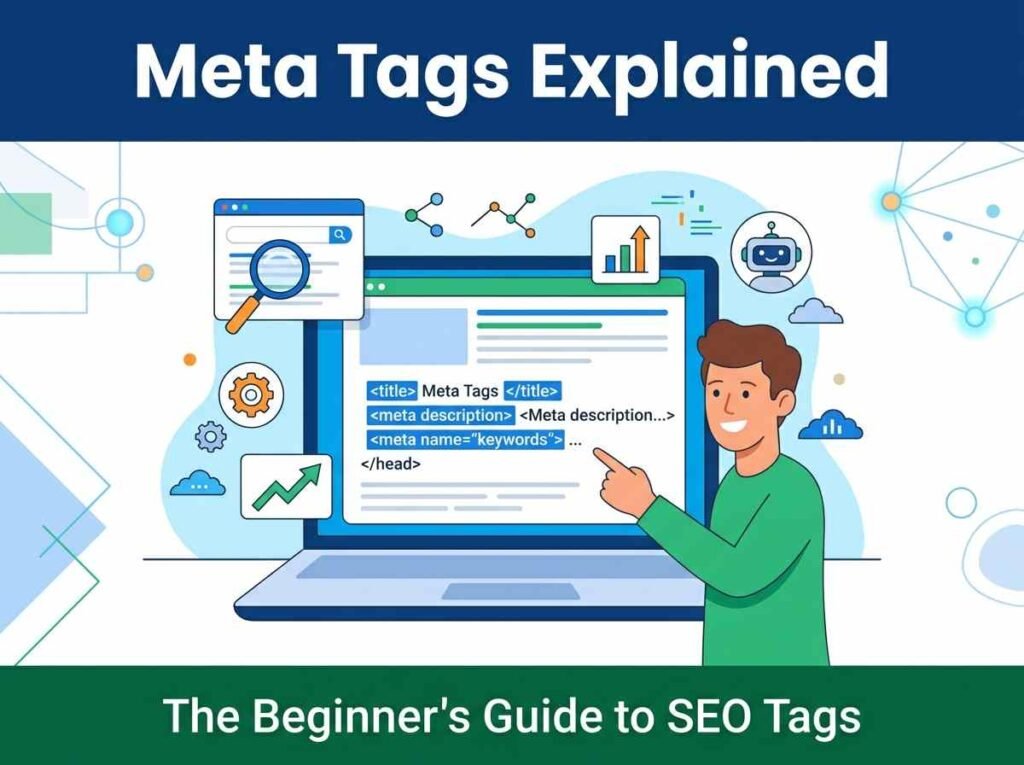
Meta tags are snippets of code in the head of a web page that describe the page to search engines and browsers. Visitors never see them on the page itself, but they shape how your page appears in search results and on social media. Getting your meta tags right is one of the simplest and most effective ways to improve your SEO.
This guide explains what meta tags are, which ones actually matter, and how to write them so your pages earn more clicks.
What Meta Tags Are and Where They Live
Meta tags sit inside the head section of your page’s HTML, near the top of the code. They are instructions and descriptions meant for machines rather than readers. A search engine reads them to understand what your page is about, and a social platform reads them to decide how your link looks when shared.
Because they are invisible on the page, meta tags are easy to forget. Yet they are often the very first impression of your page in a search result, which makes them worth a few minutes of attention on every important page.
The Meta Tags That Actually Matter
There are many meta tags, but only a handful affect modern SEO. Focus your energy on these:
- Title tag is the clickable headline in search results and the most important on-page SEO element.
- Meta description is the short summary under the title that persuades people to click.
- Robots tag tells search engines whether to index a page and follow its links.
- Canonical tag points to the preferred version of a page to avoid duplicate content issues.
- Open Graph and Twitter tags control how your link looks when shared on social media.
A few older tags, like the meta keywords tag, no longer help with Google rankings. You can safely ignore them and spend your time on the tags above.
How to Write a Great Title Tag
The title tag carries the most weight, so write it deliberately. Keep it under about 60 characters so it does not get cut off in search results, and put your main keyword near the front. Make it descriptive and specific, because a vague title earns fewer clicks even when it ranks.
A strong title usually names the topic, adds a benefit or detail, and may include your brand at the end. Think of it as a headline competing with nine others on the results page — it has to earn the click.
How to Write a Great Meta Description
The meta description does not directly affect rankings, but it heavily influences whether people click. Keep it under about 160 characters so it displays in full, include your keyword naturally, and give a clear reason to visit. Treat it like ad copy: one or two sentences that promise exactly what the reader will get.
If you leave the description blank, search engines will pull a snippet from your page automatically, and the result is often awkward. Writing your own keeps you in control of that first impression.
The Fast Way to Build Meta Tags
Writing meta tags by hand is fine, but it is easy to go over the character limits or forget the social tags. A meta tag generator builds the whole block for you, shows live character counts so nothing gets truncated, and includes Open Graph and Twitter tags in one step. You can then preview how the shared link will look with an Open Graph preview tool before publishing.
To put your tags to work:
- Write a clear title under 60 characters with your keyword near the front.
- Write a description under 160 characters that earns the click.
- Generate the social sharing tags at the same time.
- Paste the complete block into the head of your page.
Frequently Asked Questions
Do meta tags still matter for SEO?
Yes. The title tag remains one of the strongest on-page ranking factors, and the meta description strongly affects click-through rate. Both are worth writing carefully.
What length should my title and description be?
Aim for under 60 characters for the title and under 160 for the description so search engines display them in full.
Does the meta keywords tag help rankings?
No. Google has ignored the meta keywords tag for years. You can leave it out entirely.
Where do I add meta tags on my page?
Place them inside the head section of your HTML, ideally near the top, before the page content begins.
Write Better Meta Tags Today
Meta tags are a small detail with an outsized effect on how your pages perform in search and on social media. Open the meta tag generator and write a strong title and description for your most important page right now. For the complete picture, read our guide to free SEO tools every small business needs.